
Mobile key has become one of the most visible ideas in smart hospitality. Guests do not want to wait in line for a plastic card. Hotels want fewer demagnetized cards and smoother arrivals. Brands want a more modern journey: pre check-in, mobile access, automatic permission expiry after check-out.
In real hotel operations, however, "mobile key" is rarely just one feature. It may include NFC credentials, QR codes, temporary passcodes, self-issued keycards, or several options running together so different guests can enter in the way that feels natural.
The buying question is therefore bigger than brand recognition. A hotel needs to ask whether the current locks can be upgraded, whether the PMS can integrate, whether doors still open when the network is unstable, whether guests understand the flow, and how staff can resolve exceptions.
Are You Buying a Lock Brand or an Access Workflow?
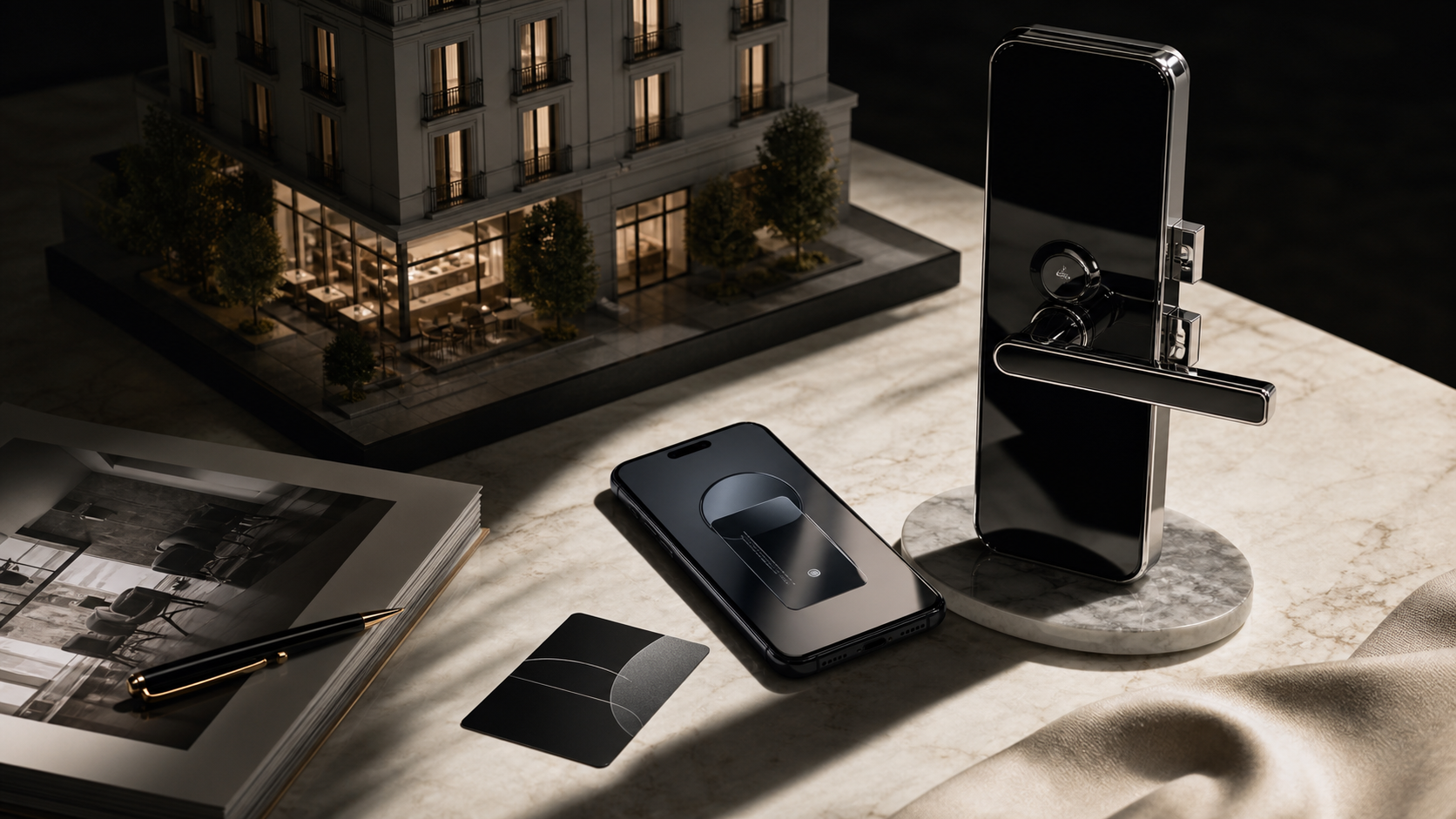
Global access brands such as Vingcard / ASSA ABLOY, dormakaba, and SALTO are strong in hotel-grade hardware, lock portfolios, deployment experience, and enterprise access management. HID is often discussed around identity credentials and secure mobile access. For large hotel groups, these ecosystems can fit procurement, maintenance, and brand standards.
Small and mid-sized properties often have a different problem. They may not want to replace every lock at once. They may not have a large IT team. They may need to connect self check-in, QR code access, mobile credentials, staff permissions, and housekeeping workflows before committing to a heavy hardware refresh.
The first question is not "which lock is famous?" It is "which access workflow can connect the PMS, the guest device, and the door reliably?"
Enterprise Systems Fit Standardized Hotel Environments

Enterprise hotel lock systems are valuable because they are mature, well supported, and designed for large room counts. They are a strong fit for new hotels, full renovations, branded properties, resorts, and environments where room doors, elevators, public areas, and back-of-house permissions need to be planned together.
The tradeoff is weight. Hardware replacement, installation, license fees, system integration, and long-term maintenance all become part of the project. For a property with dozens of rooms, or a boutique hotel still testing smart check-in demand, that may be a heavy first step.
Lightweight Edge Workflows Help Smaller Hotels Start
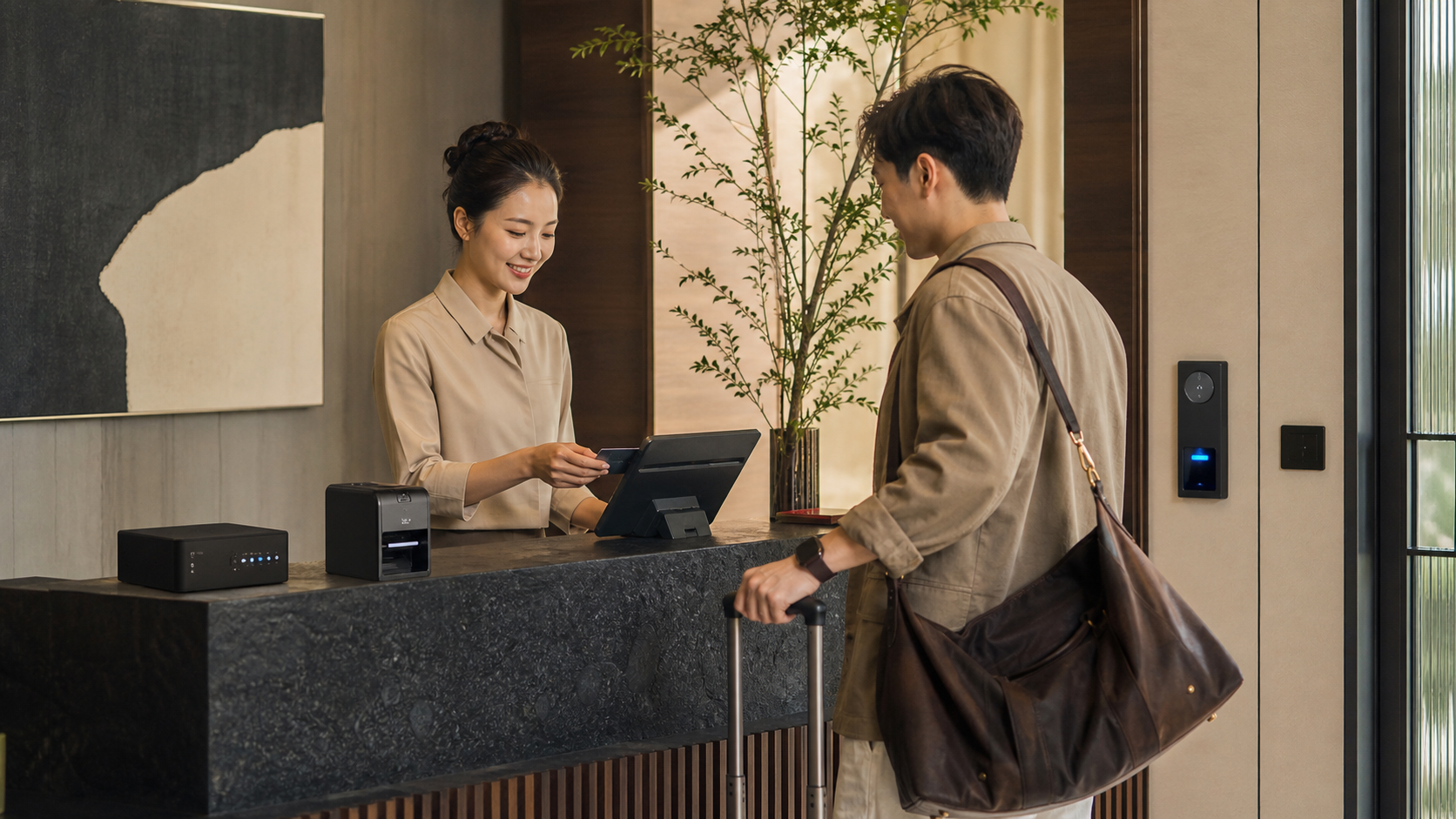
Cellbedell is better suited to the question of how to get the on-site workflow running first. Edge devices, card issuers, and access equipment can work as local operational nodes. Once the PMS sends reservation, room, arrival time, and guest status through an API, the on-site device can issue a card, create an access credential, or make the door decision locally.
The goal is not to claim that lightweight hardware replaces every enterprise lock system. The goal is to lower the first deployment barrier. A hotel can connect self check-in, card issuing, QR code, mobile access, and permission management into a practical workflow before redesigning the entire property.
Edge computing matters because access control cannot depend on the cloud for every decision. If the network is unstable, a guest should not be trapped outside the room. Local edge devices can continue essential decisions for a short period, while the cloud handles synchronization, records, and management.
Seven Checks Before Choosing a Mobile Key System
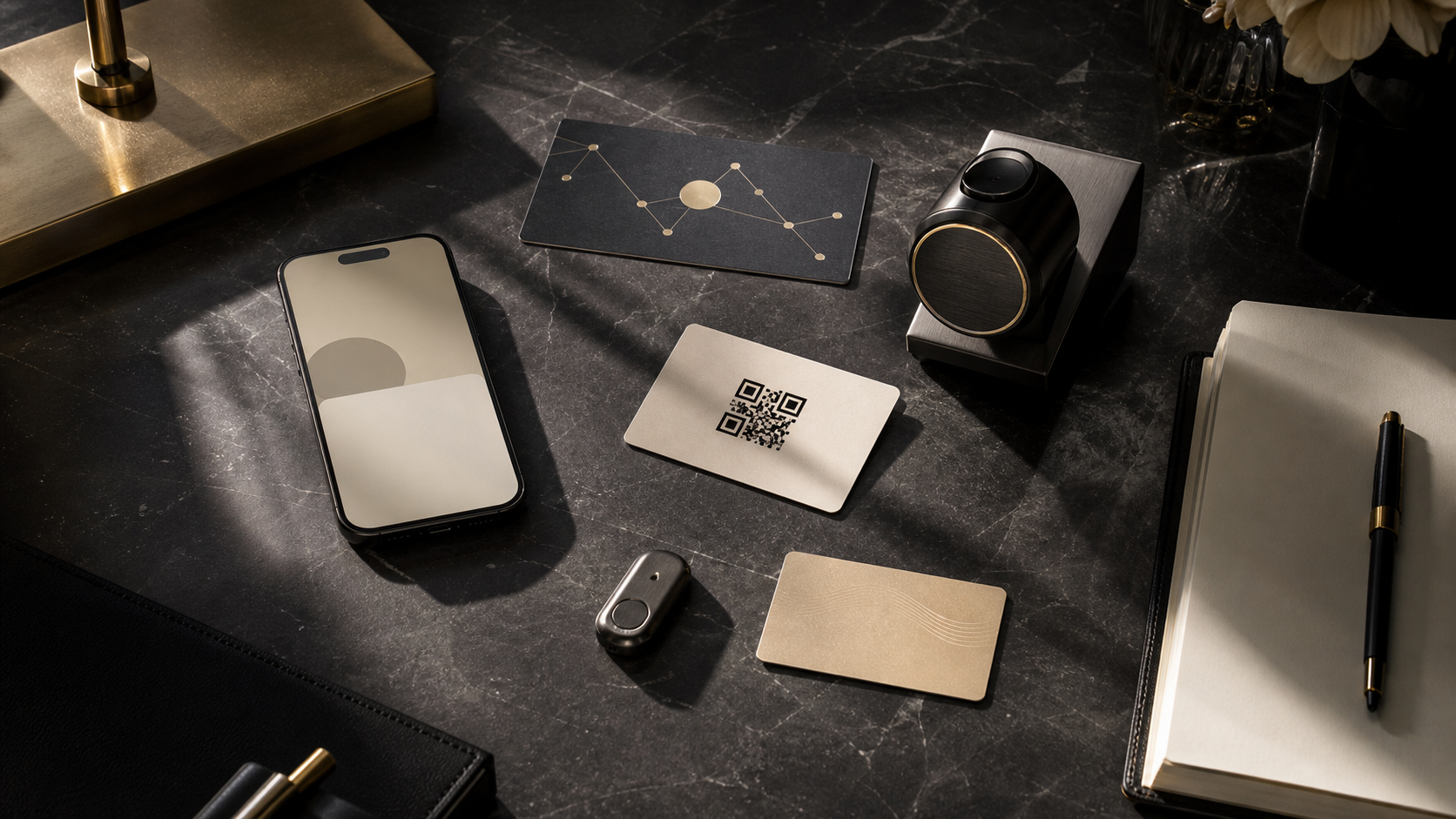
- PMS integration: Can the system receive reservation, room, arrival, and departure status through an API?
- Lock compatibility: Can existing locks be upgraded, or must they be replaced?
- Guest entry method: Will guests use mobile key, QR code, NFC, passcode, or a physical card?
- Offline backup: Can authorized guests enter when the network is interrupted?
- Permission expiry: Do access rights end automatically after check-out, room changes, or cancellation?
- Security maintenance: Are firmware, credential rules, revocation, and event logs reviewed regularly?
- On-site exceptions: What happens if a phone battery dies, a foreign guest is confused, or a family needs multiple credentials?
If these questions are skipped, mobile key becomes a polished feature that can easily break at the exact moment the guest needs it. When the workflow is designed well, phone access is only the visible result. The deeper value is that the guest, front desk, housekeeping, and access system are connected by the same operational data.
Not Every Property Needs the Same Answer
Large hotels may choose a complete enterprise lock ecosystem because they need standardized maintenance and high-volume room management. Smaller hotels, inns, and serviced apartments can often start with self check-in, PMS API integration, QR access, virtual credentials, and partial access upgrades.
Mature smart check-in is not about forcing every guest to use a phone or removing the front desk entirely. It is a flexible access design: fast guests can move quickly, guests who need help still get support, and the system quietly manages identity, time, and permission in the background.