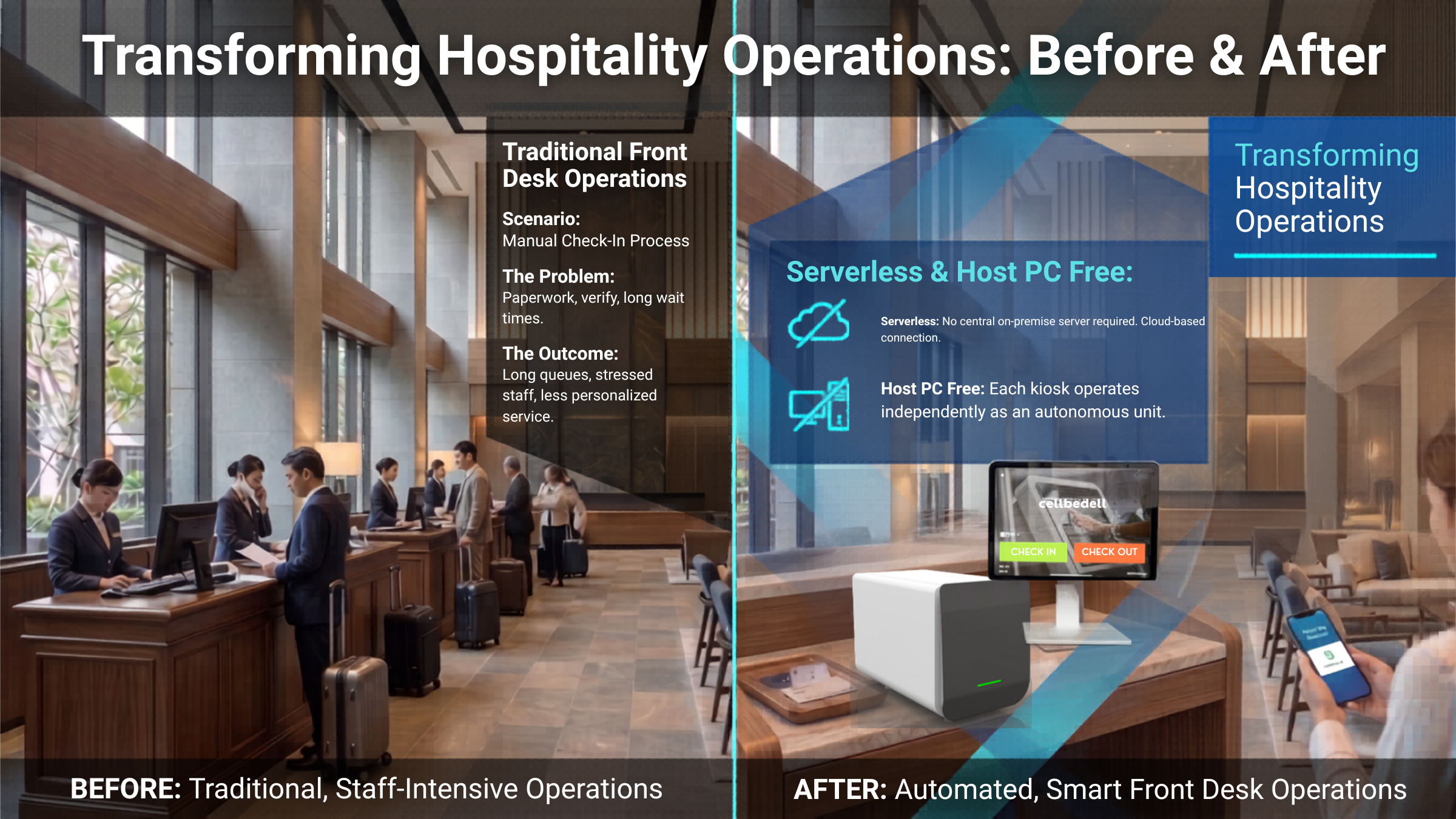
When many hotels first consider self check-in, the mental image is a large kiosk: a floor-standing machine with a screen, reader, printer, card issuing module, and perhaps payment or passport scanning. That model can work, especially in high-volume environments. But it is not always the best first step for small hotels, inns, serviced apartments, or properties redesigning an existing front desk.
The more practical question is this: which parts of the guest arrival journey can be moved earlier, automated on site, or supported by staff only when needed?
Large Kiosks Solve Peak Queues, but Not Every Site Needs One
A large self check-in kiosk is most useful when many guests arrive at the same time, the flow is standardized, there is enough lobby space, and the hotel already has clear integrations across PMS, payment, locks, and card issuing.
The cost is not only the machine. A kiosk also brings installation planning, space requirements, maintenance, replacement parts, staff training, and the question of what happens when the single device is down.
That is why the first decision should not be "should we buy a kiosk?" It should be "which arrival step do we need to automate first?" Identity confirmation, payment status, room readiness, key issuing, and access permission may not need the same hardware answer.
The Real Cost Is the Deployment Model
Comparing a large kiosk with an iPad self check-in flow only by device price is misleading. The hotel should evaluate total deployment cost: hardware, installation, counter layout, PMS integration, maintenance, spare devices, training, and future expansion.
A large kiosk concentrates many capabilities in one place. That is useful for large properties, but it is also less flexible. The location is fixed, repairs affect the main flow, and adding more check-in points can be expensive.
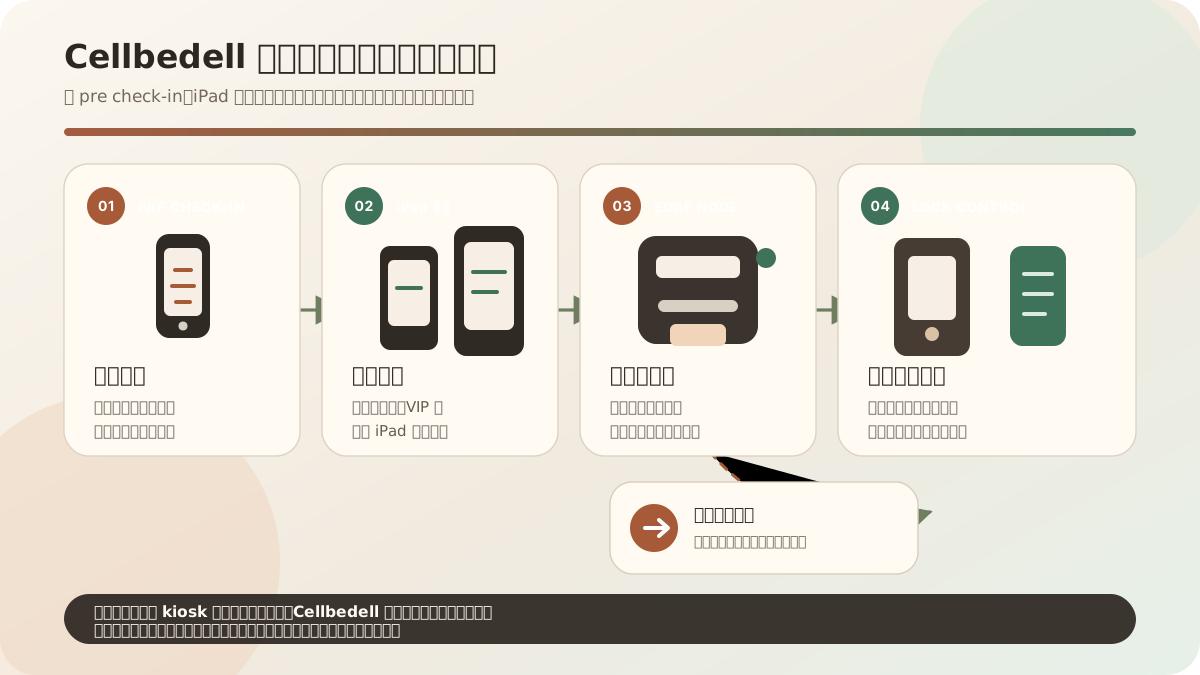
An iPad front desk connected with a Cellbedell card issuer works more like a decentralized edge model. The iPad becomes the guest interface. The card issuer, mobile key service, or lock controller acts as a local node that can make essential access decisions on site.
This lets a hotel start with one check-in point, then add more iPads near the front desk, entrance, VIP area, or unmanned check-in corner as demand grows.
iPad Self Check-in Is a Lighter First Step
An iPad self check-in desk can fit into the existing front desk instead of replacing it. Guests confirm reservations, enter required details, and complete arrival steps on the iPad. The system can then use local edge devices to issue a keycard or activate an access credential.
For operations teams, this is easier to move, easier to scale, and easier to support during exceptions. Staff can still help guests who need assistance, while repeatable tasks such as data entry, status checks, and key issuing are handled by the system.
This approach is especially useful for hotels that want to test self-service acceptance before committing to a large lobby machine.
Self Check-in Should Connect Data, Payment, and Access
The guest experience looks simple: confirm identity, confirm booking, settle payment or deposit, receive room and access. Behind the scenes, the hotel needs PMS data, payment status, housekeeping status, card or lock permissions, messaging, and support records to line up.
If those systems are not connected, the guest still repeats information at the front desk, staff still checks payment manually, and key issuing remains a bottleneck.
The value of iPad self check-in is that it creates a clear front-end entry point and connects it to the on-site device that issues the card or access credential.
When Is iPad More Flexible Than a Large Kiosk?
- When peak arrival is real, but the hotel does not want one large machine to control the whole lobby flow.
- When pre check-in can move to the guest phone before arrival.
- When the hotel wants to reduce hardware pressure and issue mobile keys where possible.
- When physical keycards are still needed, but card issuing can be handled by a smaller connected device.
- When smart locks need to be part of the same permission workflow instead of a separate manual step.
In these cases, the key difference is not tablet versus kiosk. It is centralized hardware versus a flexible edge workflow.
The Next Step Is Access Management
Self check-in should not stop at the form screen. It should extend to keycards, room doors, elevators, public areas, staff permissions, visitor registration, and temporary access.
For more product context, see the Cellbedell hotel self check-in page or use the StayAuto estimator to compare early deployment budgets before planning a full project.